KIMONO

Think private.

A private AI. What you ask stays yours.

Tap the shield.

The brand ↓
The mark

A collar, closed.

The shield is a kimono's front: two panels crossing, the band between them, the collar at the neck. Wrapped and closed, as a conversation should be.

The Kimono shield

Three pieces of vermilion, one of beige

The vermilion panels and band, and the collar in warm beige. The gaps between them are cut through: whatever lies behind shows.

The wordmark

KIMONO in Noto Sans Condensed Black, the letterforms as drawn, never re-typed or stretched.

In the app

On the welcome screen the shield is a solid, with depth: tap it and it spins.

Colour

Three colours.

Warm ivory by day, deep navy by night, vermilion the one hue in both. Nothing else: greys are drawn from the navy.

Warm Ivory
#F5F1E8
The ground by day; type by night.
Deep Navy
#142B57
Type by day; the ground by night.
Vermilion
#E35637
The shield's own. Buttons, marks, the accent.
Collar
#EDDFC7
The collar alone.
Navy on ivory 12.3 : 1
Ivory on navy 12.3 : 1
Ivory on vermilion 3.3 : 1 · marks, bold type
Type

Two faces.

Headlines in the wordmark's own face; everything you read in the system's, so the app still feels like iOS and macOS.

Headlines · Noto Sans Condensed Black
Think
private.
ABCDEFGHIJKLMNOPQRSTUVWXYZ 0123456789
Everything else · San Francisco
Your conversations, on your device.

Answers, lists, settings and buttons are set in the system face, at the sizes Apple sets them. Answers' own headings are its bold, not the condensed black: that is for the app's titles.

Applications

Eight lockups.

One exact wordmark and shield, in eight colour applications.

01 · Primary, on warm ivory
02 · Primary, on deep navy
03 · Inverse, on vermilion
04 · Inverse, on black
05 · Monochrome, navy
06 · Monochrome, vermilion
08 · Primary, on pure white
11 · Monochrome, paper on navy
In the app

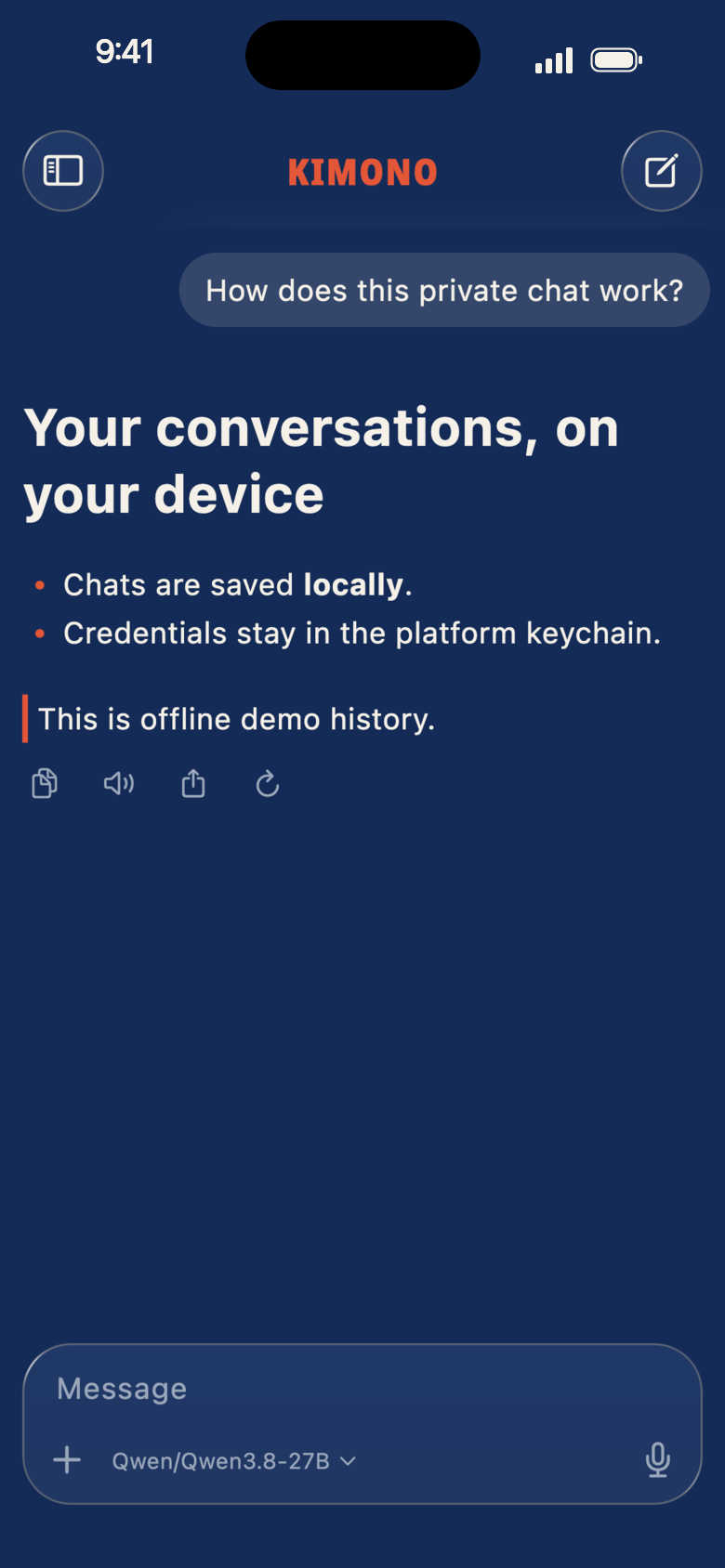
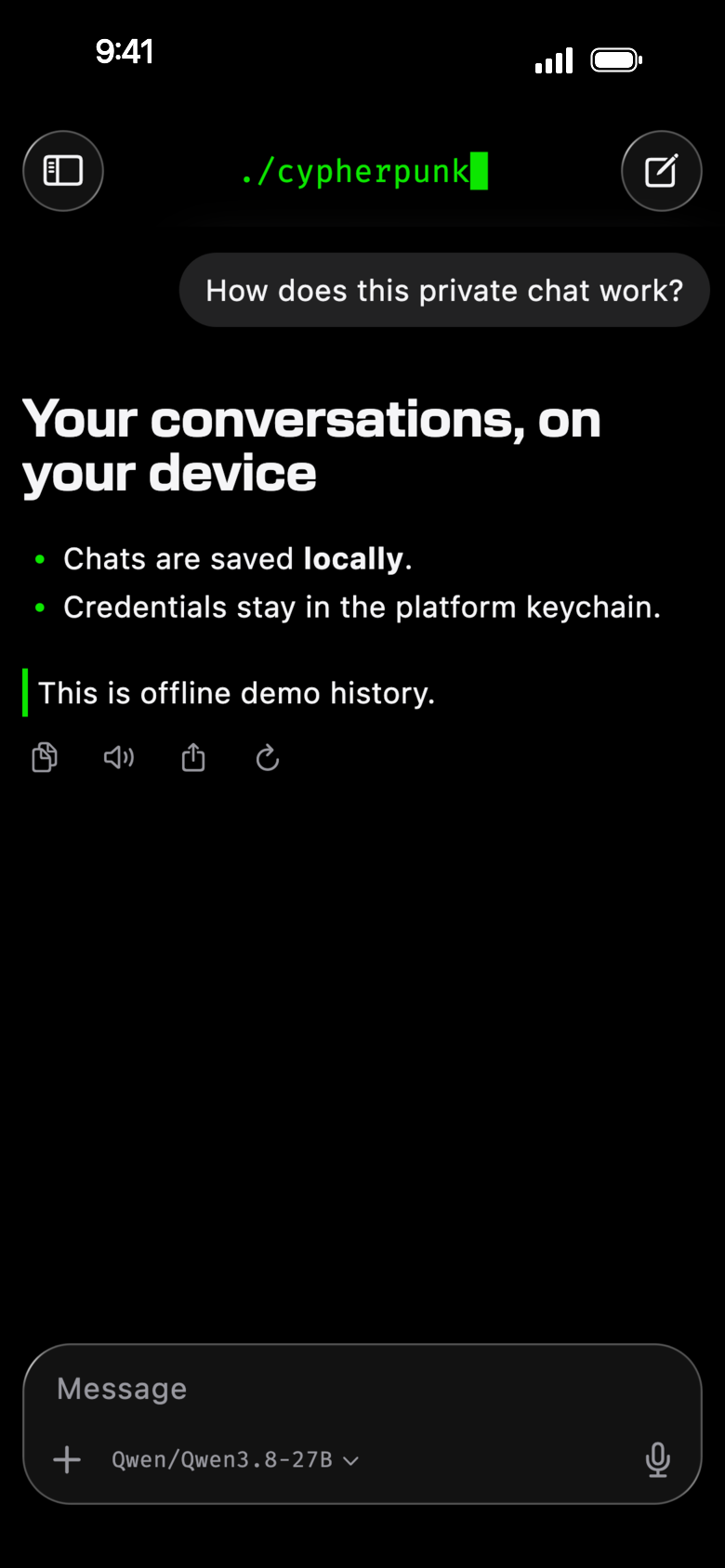
Light, dark, and Cypherpunk.

Kimono follows the device's light and dark. The Cypherpunk look the app began as, black and one green, stays one choice away in Settings.

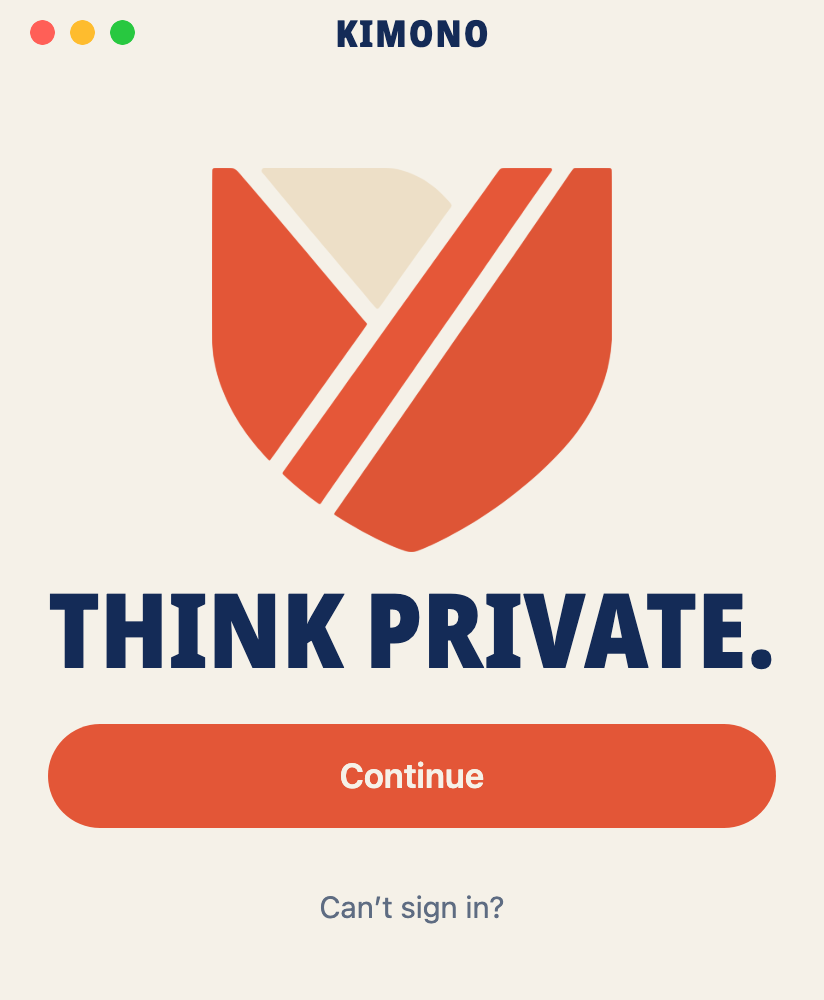
The welcome, light
Welcome · Mac, light
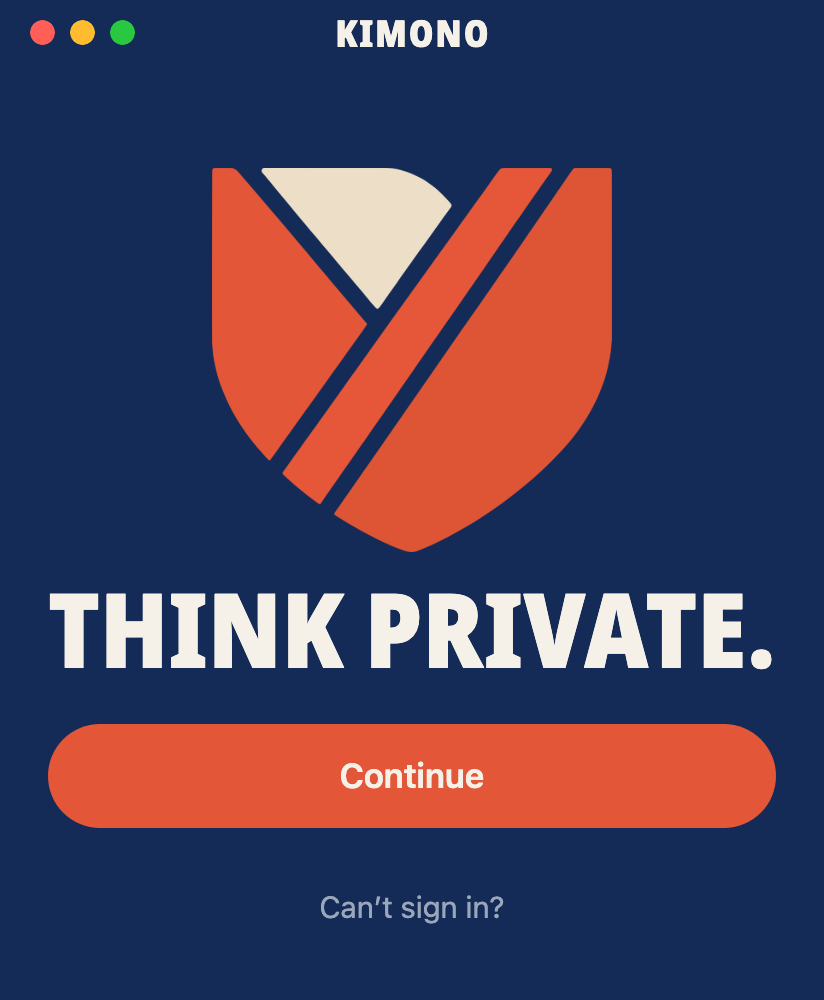
The welcome, dark
Welcome · Mac, dark
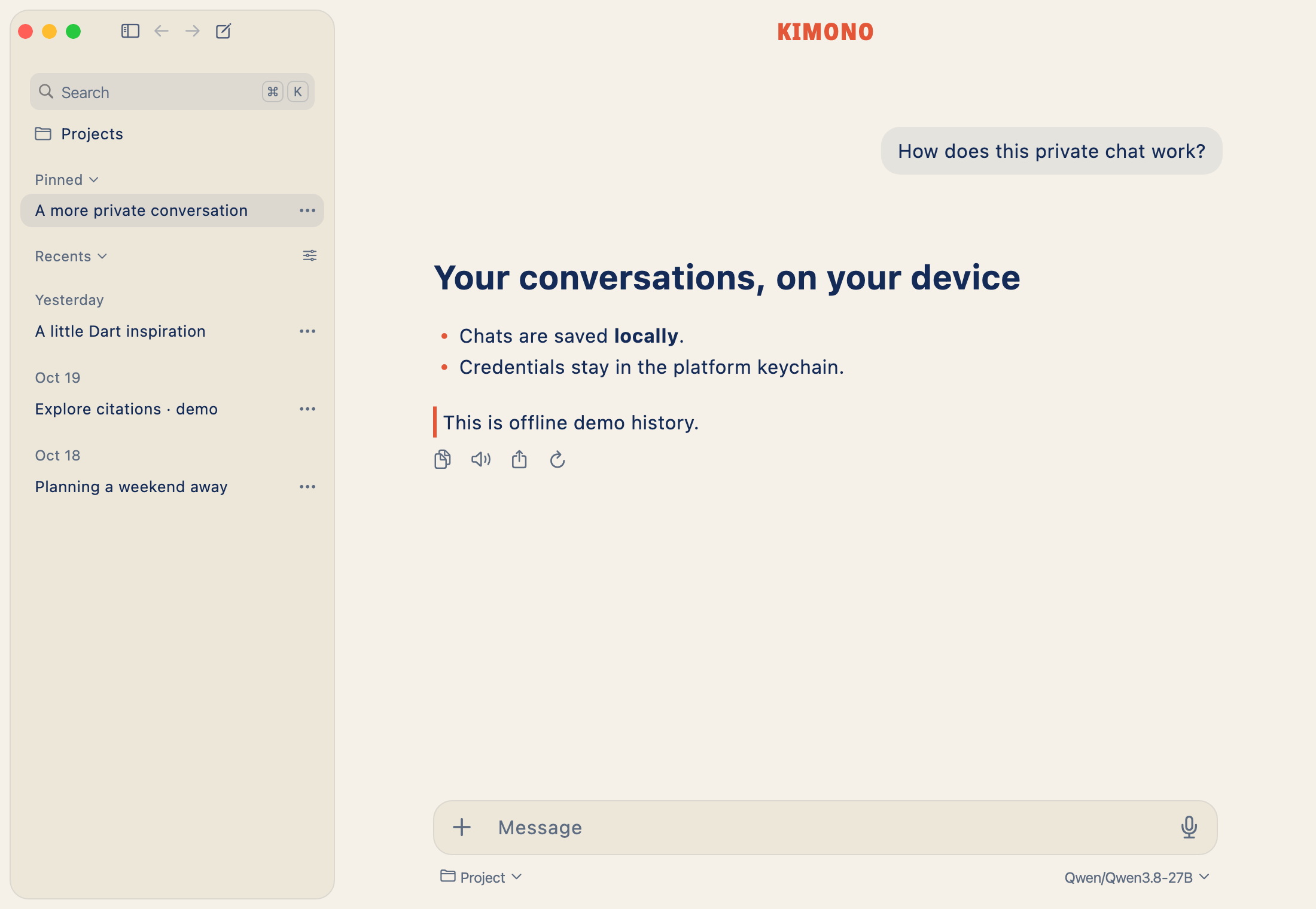
Kimono on the Mac, light

Kimono on the Mac

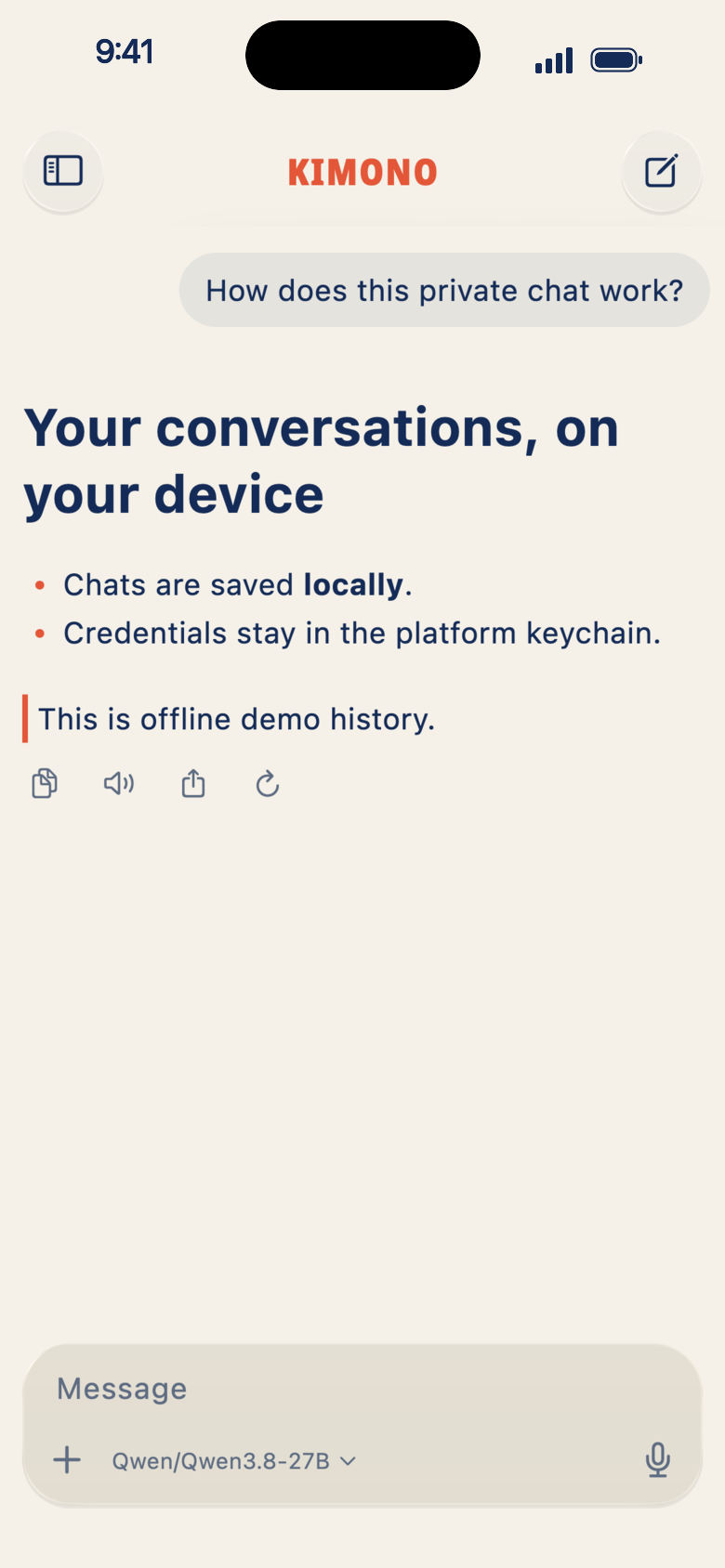
A chat, light
Kimono Light
A chat, dark
Kimono Dark
A chat, Cypherpunk
Cypherpunk